


01pin
Pin what matters
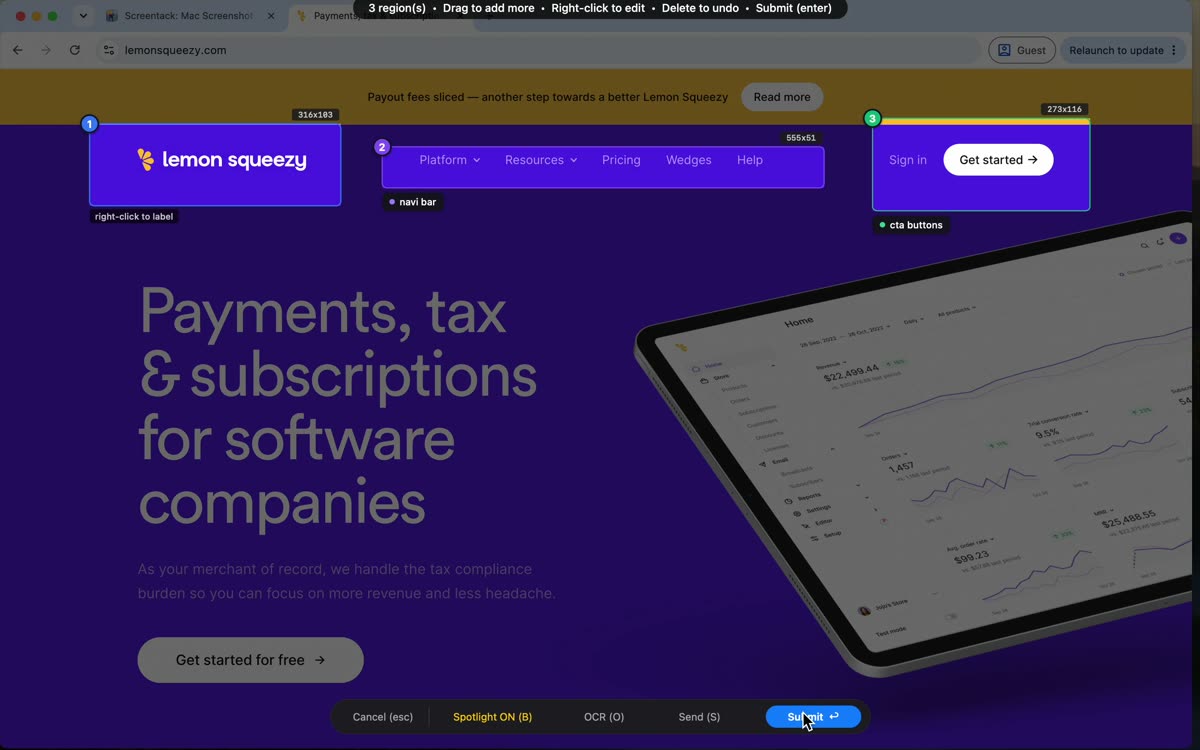
Press the hotkey and drag regions over the parts you care about. Type a short label for each one — that label is the instruction your agent reads.
developers.openai.com
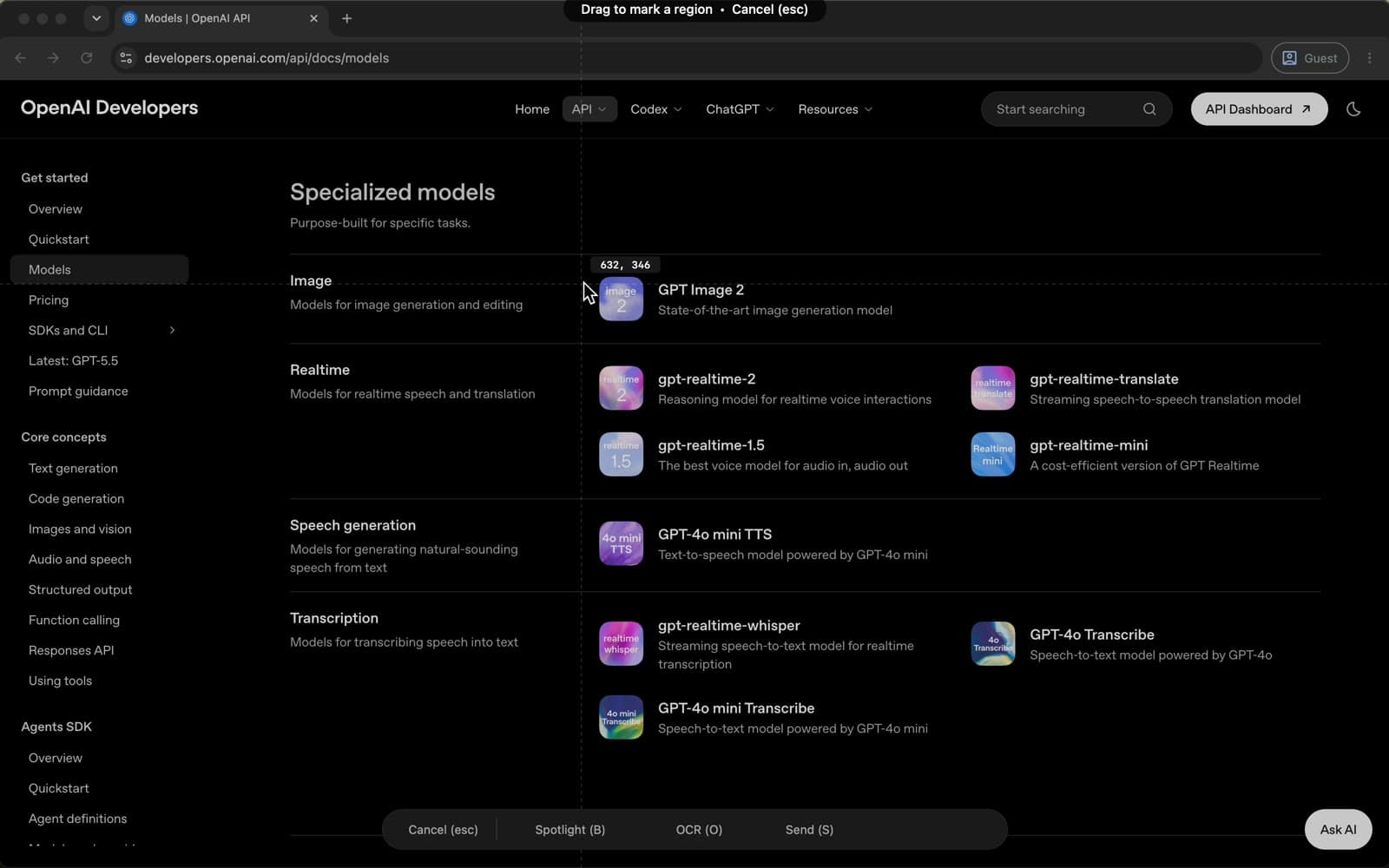
Annotate any app, then send the screenshot, every region crop, and a structured manifest to Claude, ChatGPT, or Cursor — in one paste. So it fixes the right thing the first time — fewer iterations, fewer tokens. One-time, on-device.
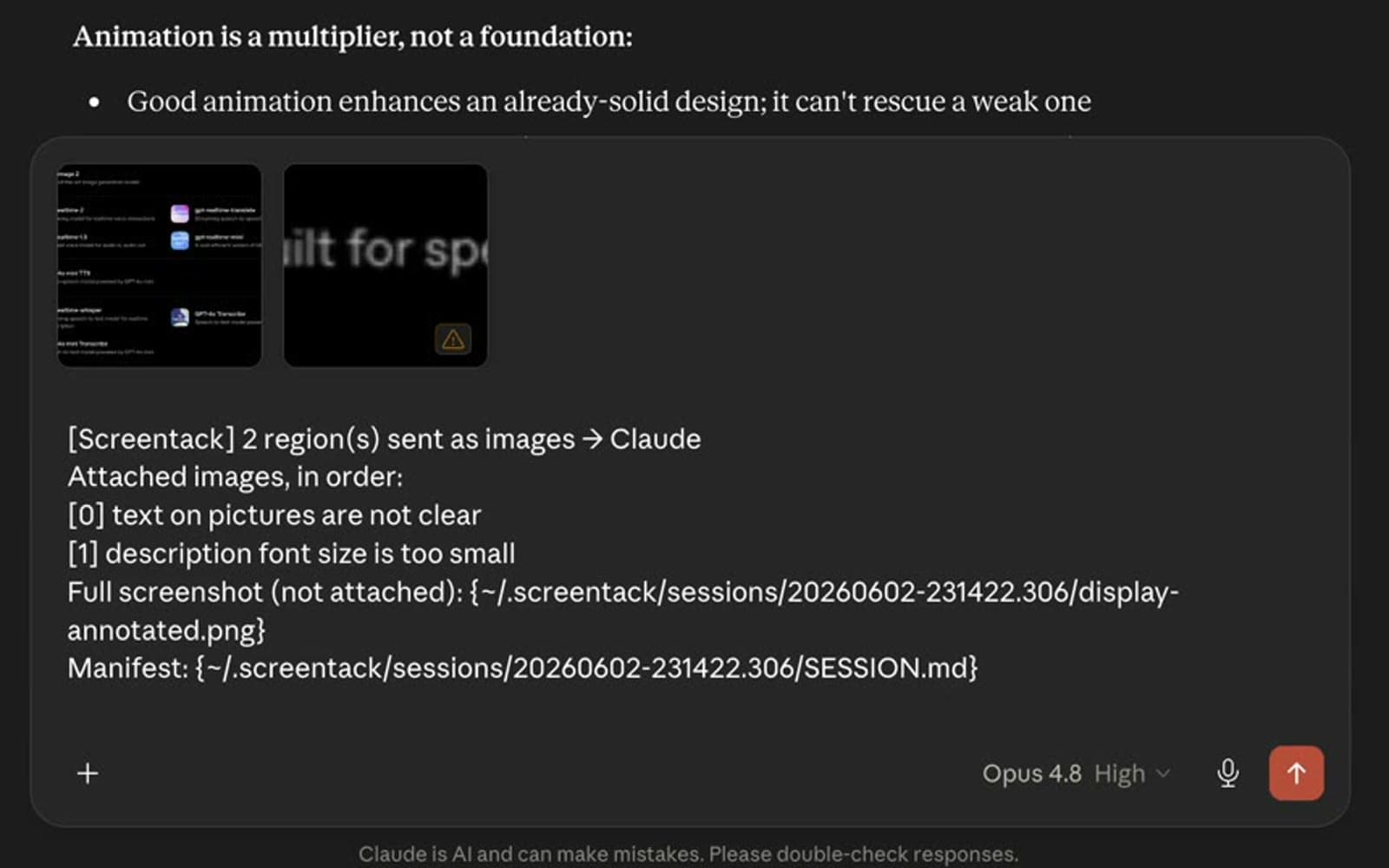
One paste = full screenshot + every region crop + this manifest.
One click — send screen context to your favorite apps, and speak your coding agent's language over MCP
Point at what is wrong, and your agent points back at what it understood — before it changes a line.
Press the hotkey and drag regions over the parts you care about. Type a short label for each one — that label is the instruction your agent reads.
Submit, and your agent gets all of it at once: the full screenshot, every region crop in order, and a spatial manifest describing where each one sits.
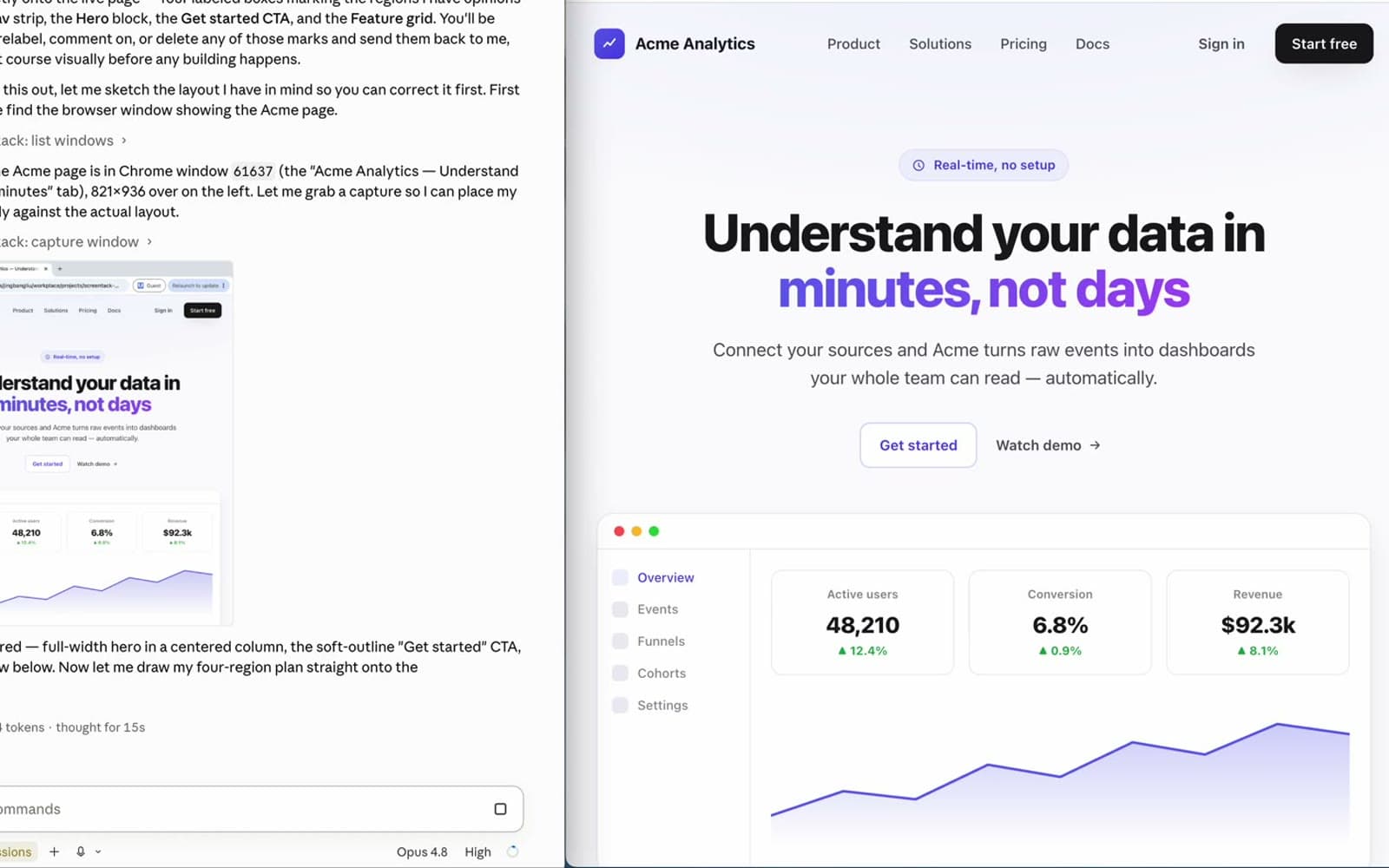
This is the part nothing else does. Before it touches your code, the agent marks up your live screen with what it thinks you meant — labelled boxes, right on the page.
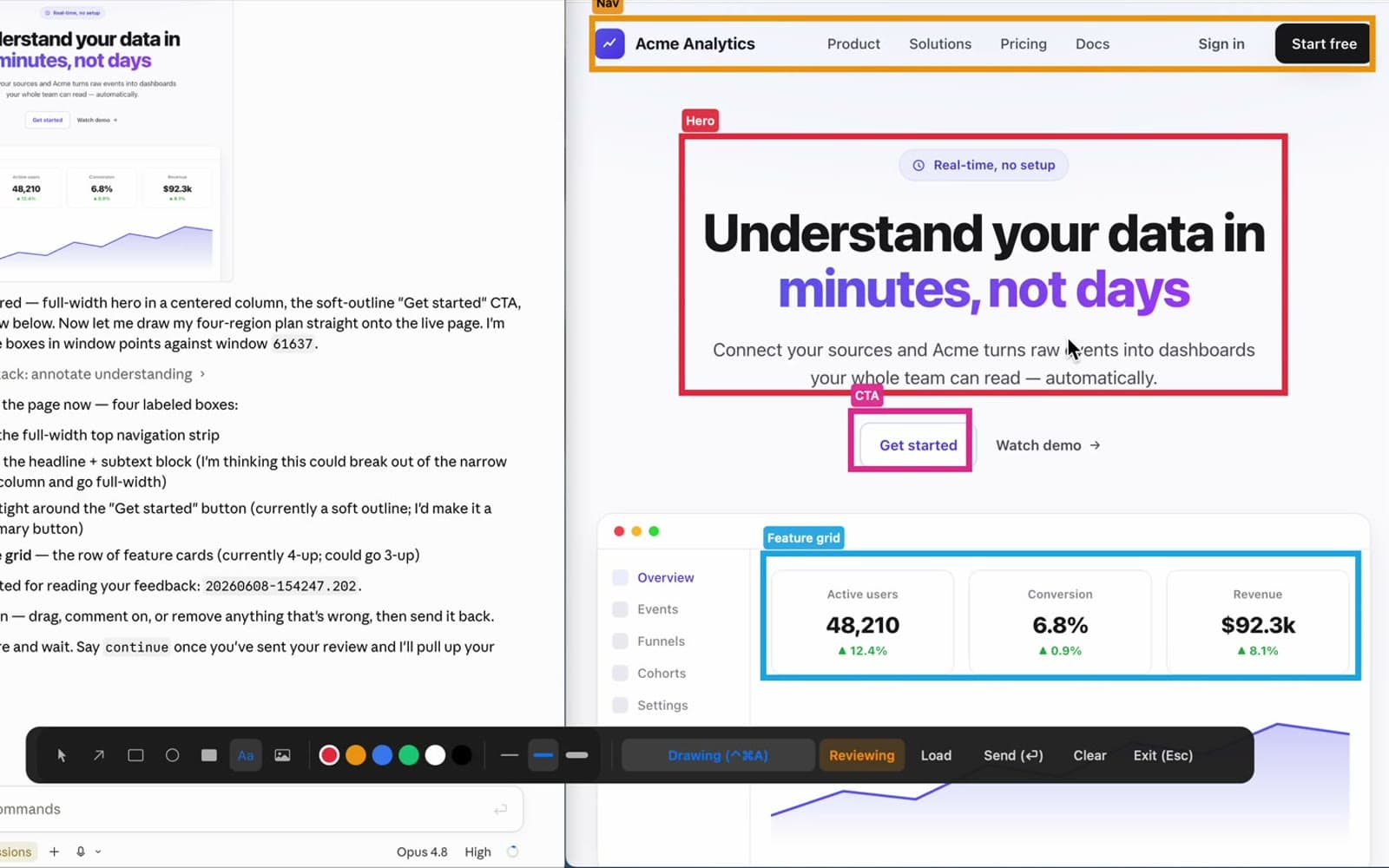
Wrong box? Tag it and move on. The agent polls for your notes, adjusts its plan, and carries on — no re-explaining, and no wrong fix shipped.
Screenshot, annotate, record, and redact. Everything your agent needs to see, in a format it can read.
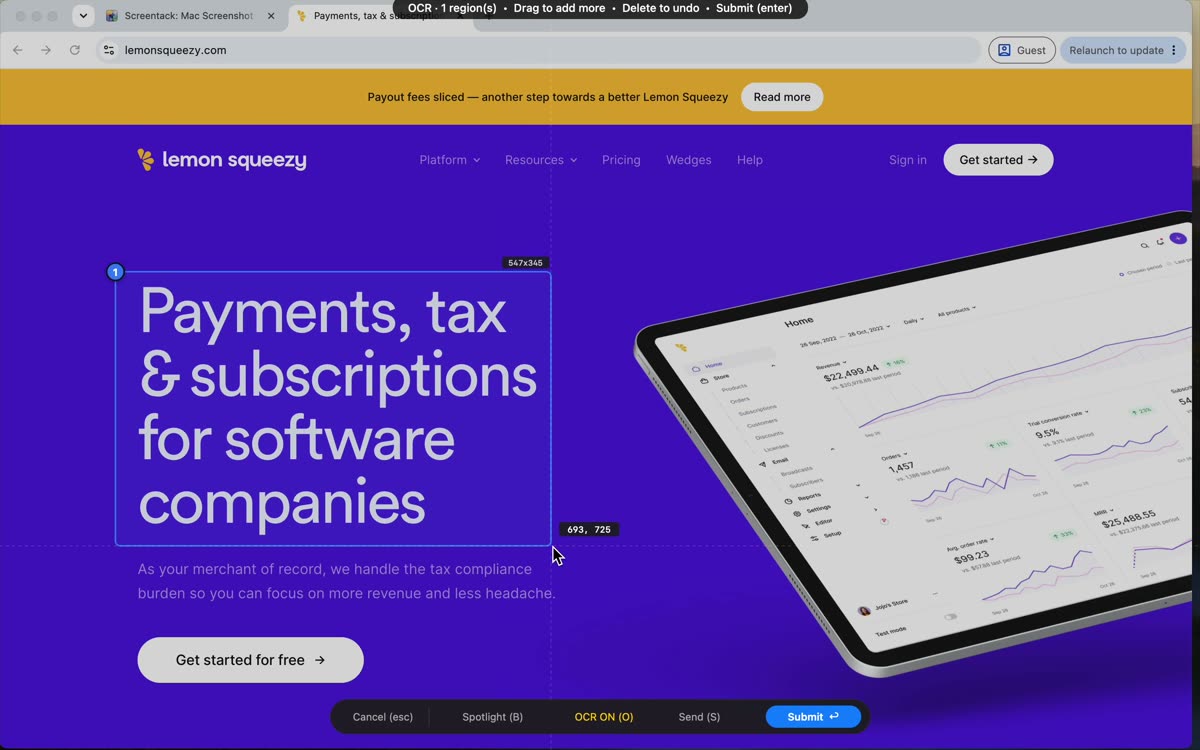
Pull text out of any region. On-device recognition handles many languages and writing systems, straight to your clipboard.
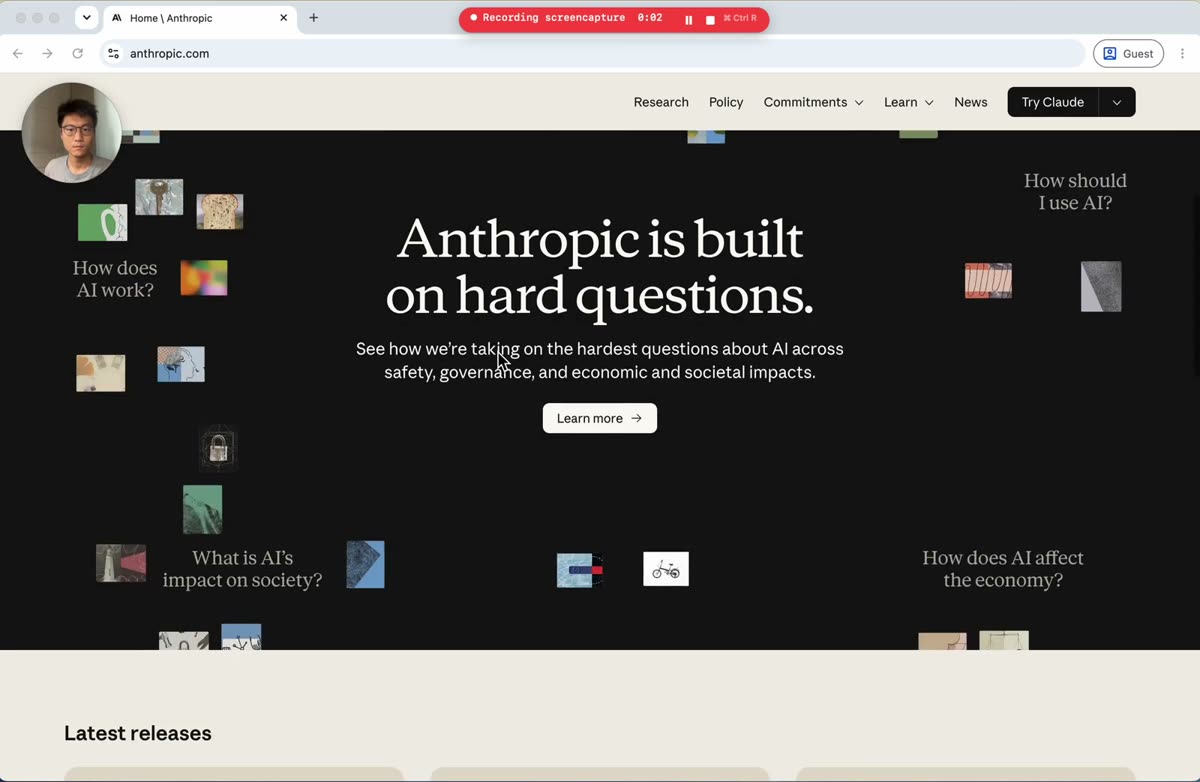
Record a window or the whole screen with your camera bubble. Click to pick the target, a red border shows what is captured.
Blur everything outside your pins before sharing. Keep the bug sharp, hide the secrets.
14 tools any MCP agent can call. Capture, annotate, record, and read text, programmatically.
Exact crops plus a spatial manifest mean your agent fixes the right thing the first time — not the fifth. Fewer round-trips, less guesswork, less token churn.
| Capability | Loom | CleanShot | Screentack |
|---|---|---|---|
| Screen recording | Screenshots only | ||
| Camera overlay (like Loom) | |||
| Region annotations | |||
| App-level recording | |||
| Text recognition (OCR) | |||
| Agent-readable manifest | |||
| MCP agent tools | |||
| Agent annotates your screen back | |||
| macOS native | |||
| Private, on-device by default | |||
| No subscription (one-time) | |||
| Cloud sharing | Coming soon |
Download free and use everything for 7 days. Keep it for a one-time $29. No subscription, no account.
One-time purchase · free updates
Free forever over MCP for your AI agent.
Want a heads-up on new features? Get occasional release notes.